XL plate not recognized
Problem
Only the internal pressure mat "VISUMAT" is visible in the software, the XL pressure mat can not be selected.
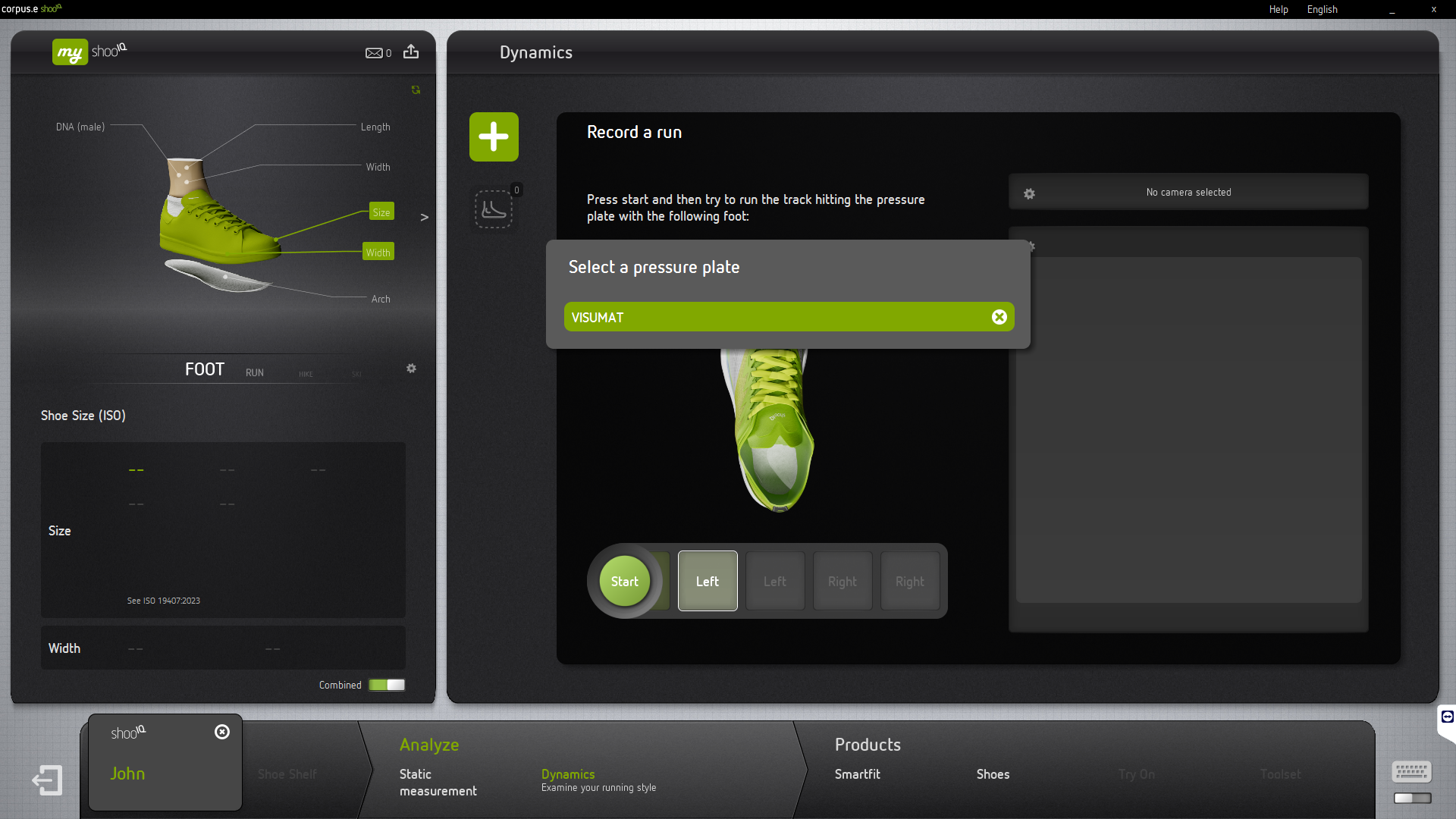
Check
Open up the windows device manager. In Windows 11 right-click on the Windows Start-Button to open the Settings Menu and click on the entry Device Manager:
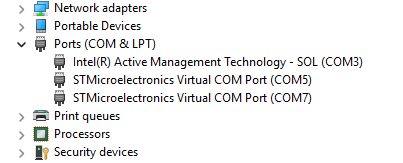
If you have connected the XL pressure mat, there should be 2 entries in the Windows device manager named "STMicroelectronics Virtual COM Port"
One is for the internal pressure mat, the other one is for the XL pressure mat (the COM port number can vary).
The device is
- not visible → 📄 XL plate Hardware problem
- visible → 📄 XL plate Software problem