XL plate Software problem
Problem
The XL pressure mat is visible in the Windows Device Manager (see 📄 XL plate not recognized) but does not appear in the shooIQ Pro Device Selector: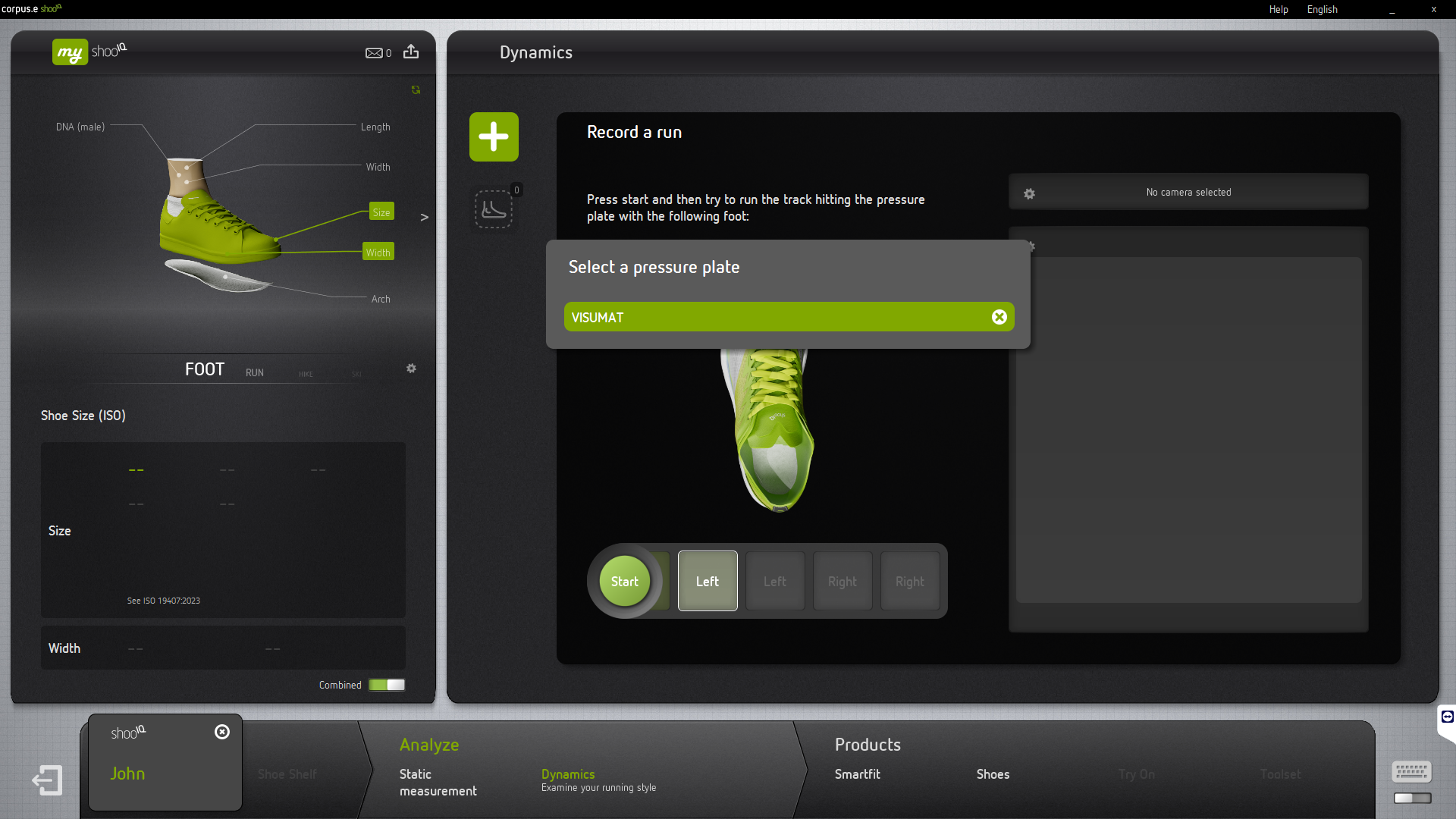
Check
- Check if the USB port power saving option is disabled
- Check the general Windows Power Level
- Temporary disable Anti-Virus Software.
- The used account needs the GO license in order to see the XL mat in the software.