XL plate Hardware problem
Problem
The external XL pressure plate is not detected in Windows Device Manager.
Check
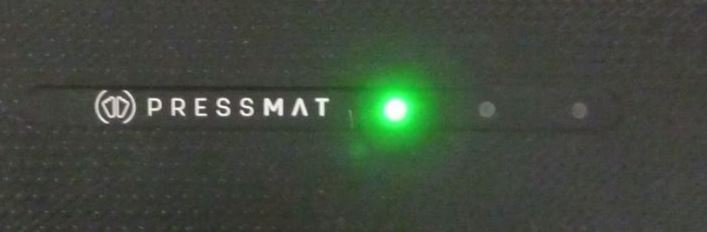
The pressure plate has status LEDs on the top of the plastic housing. Please check, if the green LED on the left is flashing. This indicates that the pressure plate is connected to the computer and receives power.
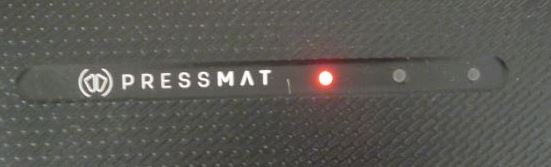
If you switch to the Dynamics tab in the shooIQ Pro Software and click the green Start button to record a run, the green LED will switch color to red and is flashing.
Solution
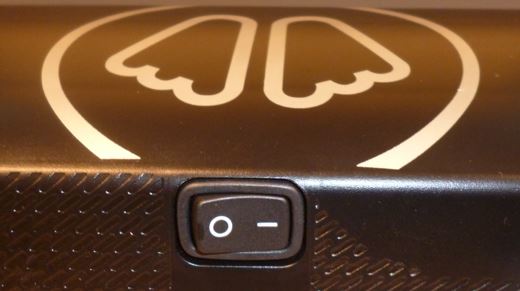
- Be sure that the Power Button on the XL pressure mat is turned on.
- Check the USB cable:
- is it properly plugged into the plate and the computer
- remove all USB hubs in the cabling between the plate and the computer
- is it undamaged - Re-Plug the USB cable in a different USB port of the computer
- Remove all other USB devices (like printers, hubs, mouses, etc.) from the computer and replug the XL plate
If all these tests did not help please contact your rep for further assistance.