Windows IP Configuration
(How to find & share this)
Step 1: Look for the search bar and type "CMD" followed by pressing the ENTER button

Step 2: A black screen with the command prompt will appear. Type "ipconfig/all" followed by pressing the ENTER button

Step 3: The following screen will be opened:
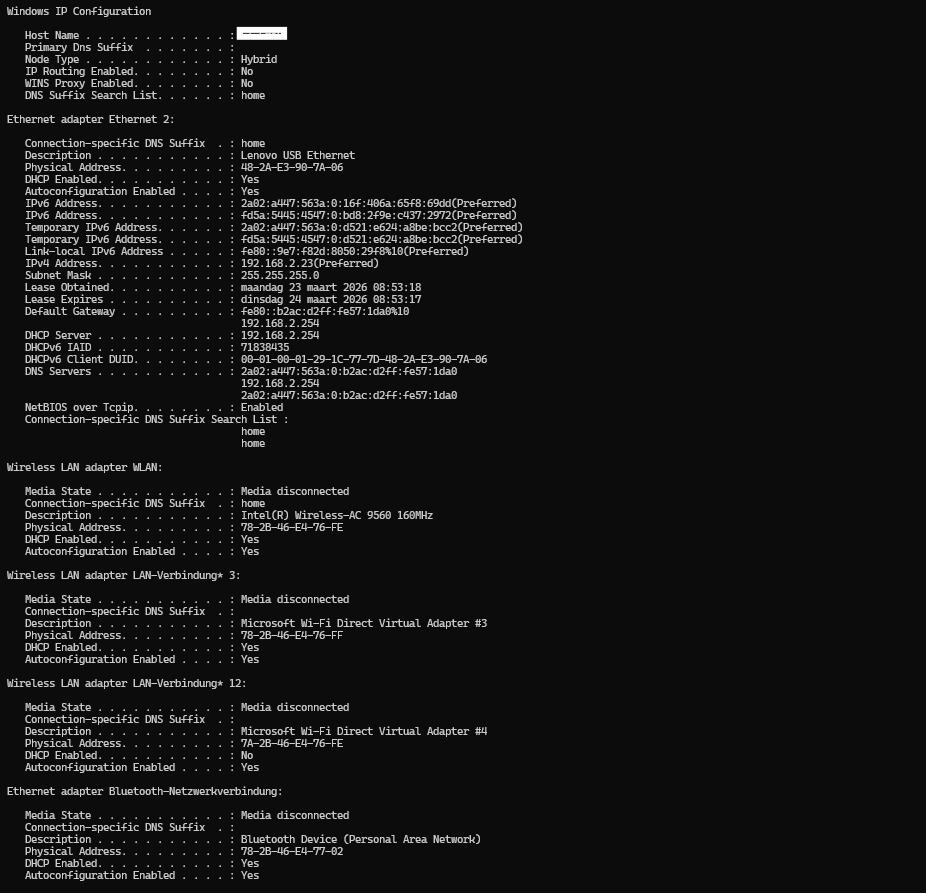
Step 4: Please make a screen shot and share thus with our customer support team if needed.