Internet Stability Testing
On your Windows System, you can periodically test the connectivity to shooIQ and Google URLs with the following Windows PowerShell Script.
How To
Download | Download the Powershell Script (e.g. to your Downloads Folder) | ||
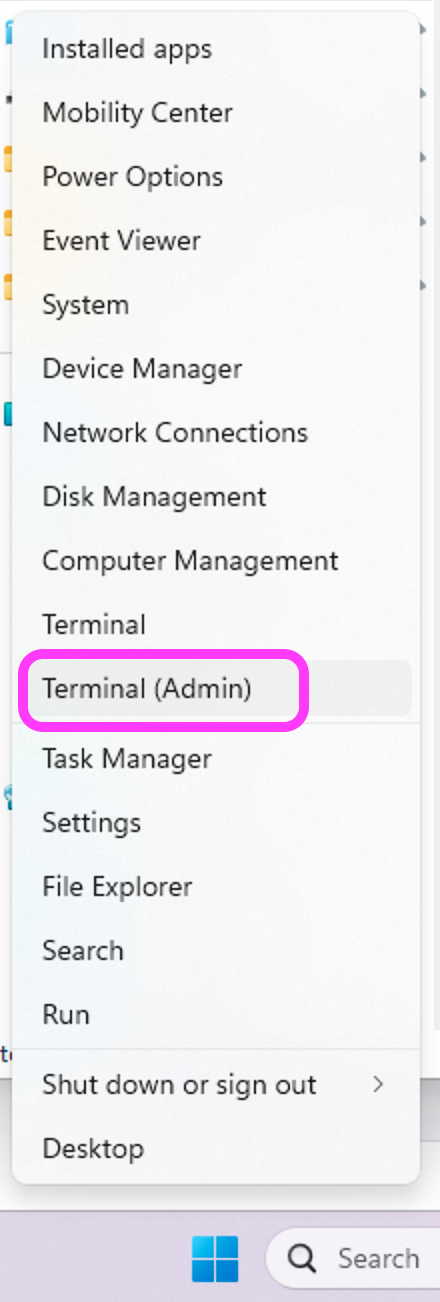
Start Powershell | Click with the right Mouse Button onto the Windows Icon in your taskbar. Start the Windows Powershell / Terminal in Admin mode. |
| |
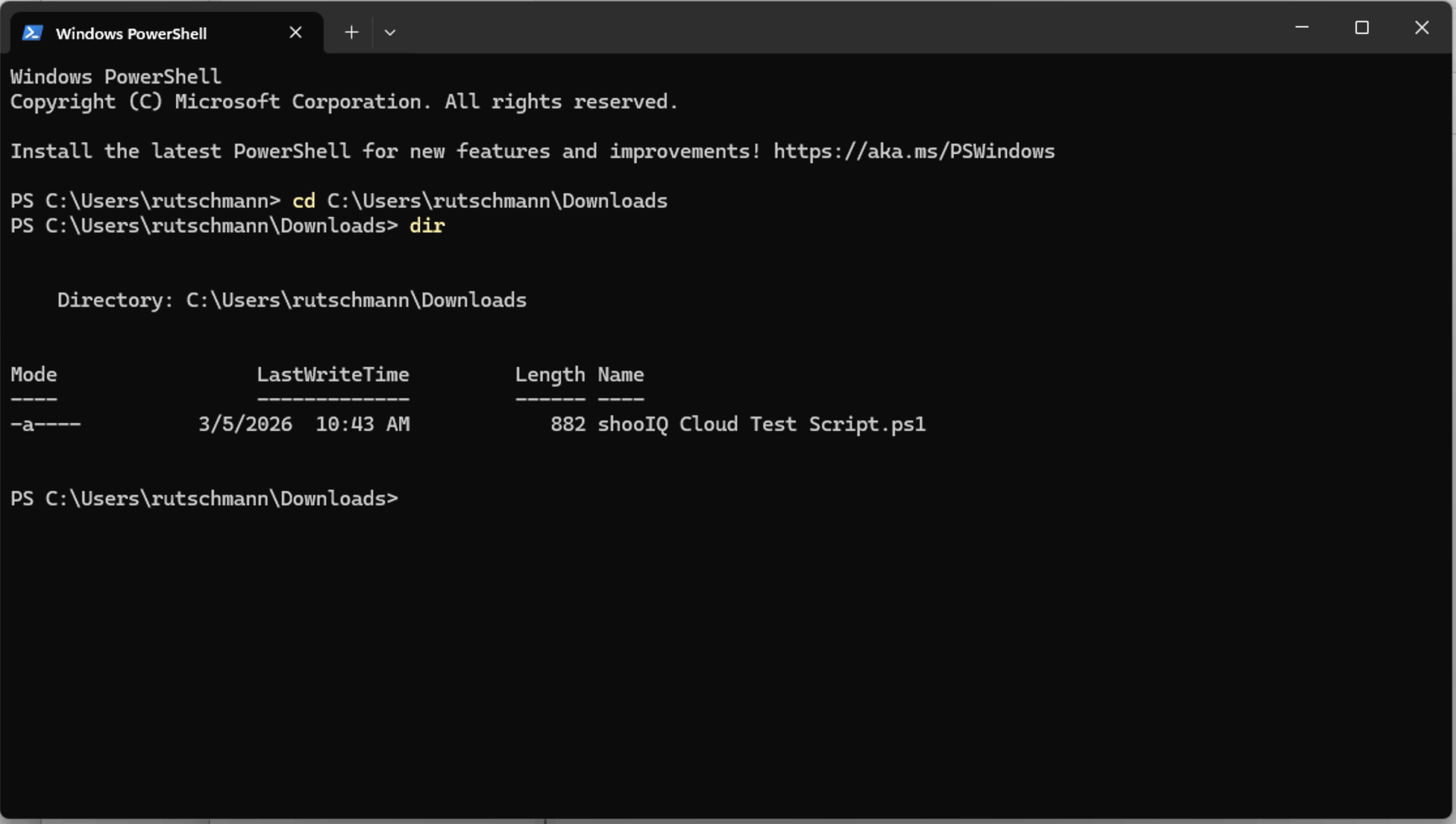
Go to Directory | In PowerShell, go to the directory where you've downloaded the Script (e.g. your Download Folder) | Replace YOURWINDOWSUSERNAME cd C:\Users\YOURWINDOWSUSERNAME\Downloads |
|
Show the content of the Directory. It should contain the Script "shooIQ Cloud Test Script.ps1" | dir | ||
Allow Execution | Allow the execution of the PowerShell Script on your computer | Unblock-File -Path ".\shooIQ Cloud Test Script.ps1" | |
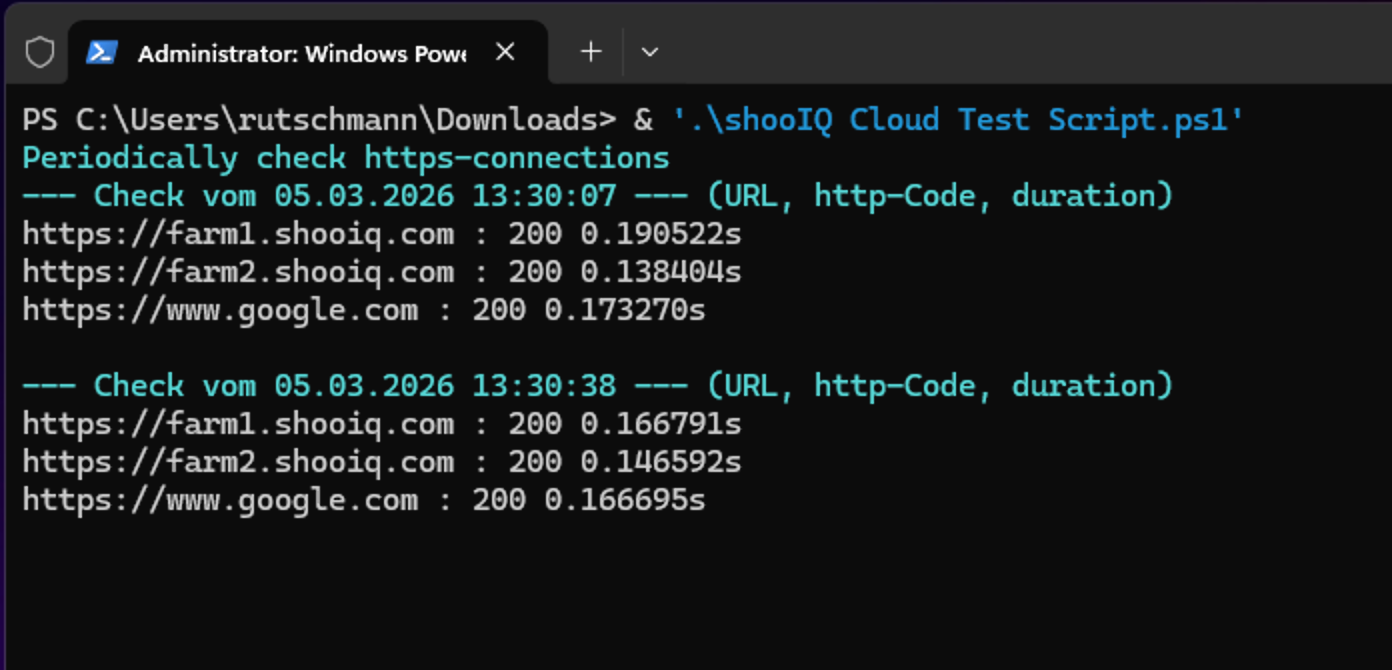
Start | Start the Script | & '.\shooIQ Cloud Test Script.ps1' |
|
Control Output | The script is now checking periodically the https connections to the logged URLs, including the http-Code (Success: 200) and request duration. If the http-code is e.g. 0000, the URL can't be reached. Let the script run over longer time to check the stability of your internet connection. Give us access to the logged output by copying it or open a TeamViewer connection with our support. |
|

Another Network Test tool (for advanced Users)
Uptime Kuma (Docker)